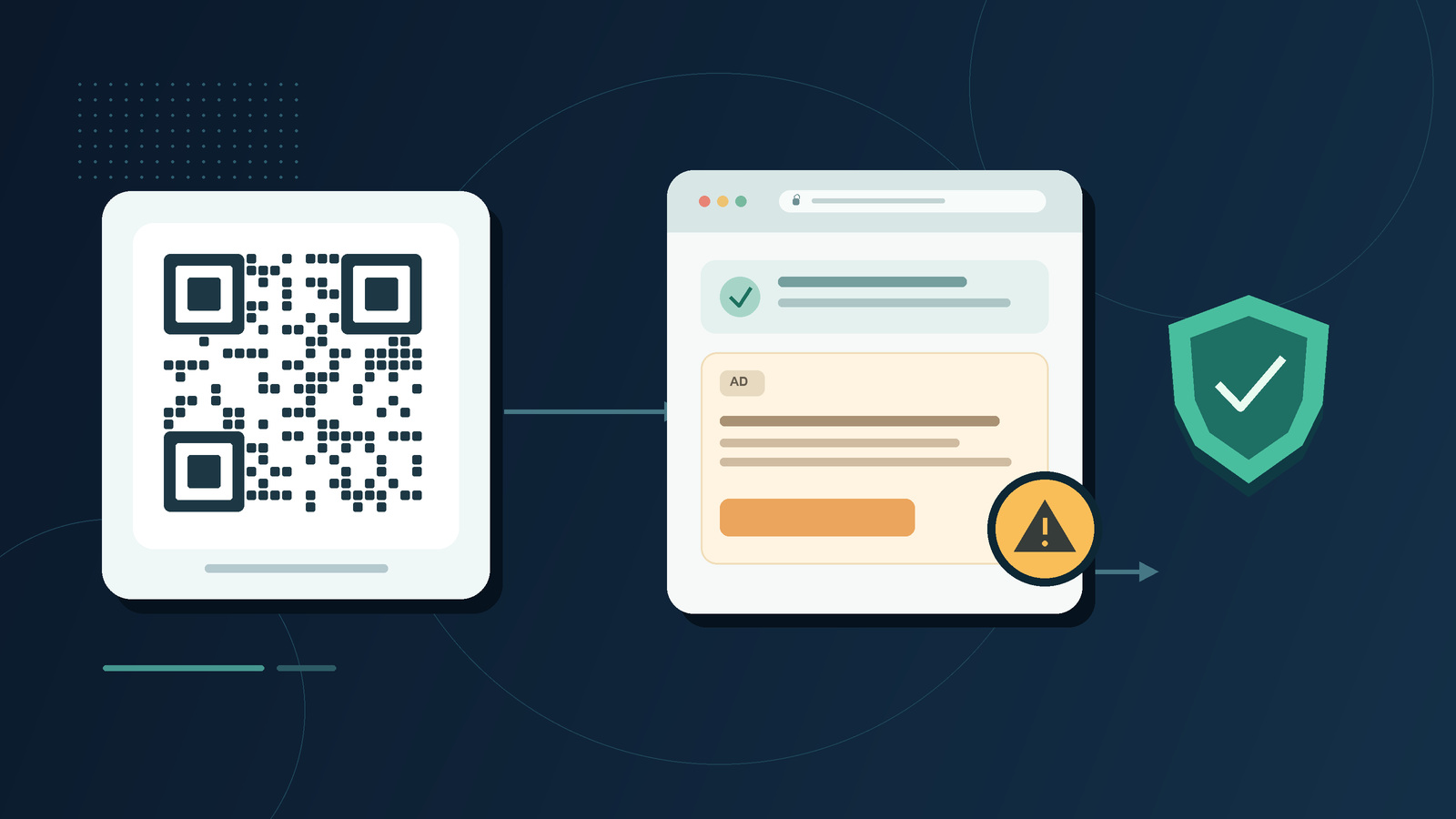
NGOs, charities and other organisations should review their public Bitly free links and associated QR codes. Bitly says that links on free accounts use an interstitial page containing an advertisement; readers may mistake an ad for a registration or continue button. iGears recommends stopping use of free Bitly links and moving to a verified alternative suited to the organisation’s needs.
Why review older short links?
Bitly explains that its free accounts use an interstitial page containing a destination preview and an ad. Even where a previously shared link or QR code points to the intended form or website, a reader may see such a page before reaching it.
Google Forms and Bitly are separate services. Google Forms provides its own responder links and short URLs, which do not use Bitly. An organisation may separately create a Bitly link pointing to a Google Form; that link uses Bitly’s third-party service.
An advertisement on that page is separate from the organisation’s registration content. An ad that appears to offer a start, registration or continue button may take a reader to another website and cause confusion. A reader who enters payment details or confirms a payment on an unfamiliar site could lose money. This does not mean that every ad is fraudulent or that the destination website has been compromised.
Steps organisations can take now
- Stop and inventory. Stop using free Bitly links in public communications. Review websites, apps, emails, social media, newsletters and event materials, and record each link, its purpose and owner.
- Replace links and QR codes. Use the destination service’s direct link, or an assessed, manageable solution without ads. Generate new QR codes, test them on a phone, and check their destinations and access permissions. Replace or cover printed old codes and notify people who may still use earlier materials.
- For Google Forms, copy the form’s responder link. If a shorter URL is needed, use the option described in Google’s instructions. Confirm the form’s publication and responder permissions before sharing.
- Give readers clear instructions. Explain the purpose, official address and whether payment is required. If a payment request appears unexpectedly, ask readers to stop and check with the organisation using a known contact method. Anyone who has submitted payment or card details should contact their bank or payment provider promptly.
- Review regularly. Assign an owner to maintain the link and QR-code inventory, and periodically check destinations, service terms and the pages readers actually see.
Need assistance?
IGEARS TECHNOLOGY LIMITED can help organisations review existing links and QR codes and plan a manageable, ad-free link solution suited to their needs. Please contact us with your requirements.
Information verified on October 28, 2026. Service features and terms can change; check the provider’s latest information before use.